For independent restaurants

A restaurant web page made from a short chat

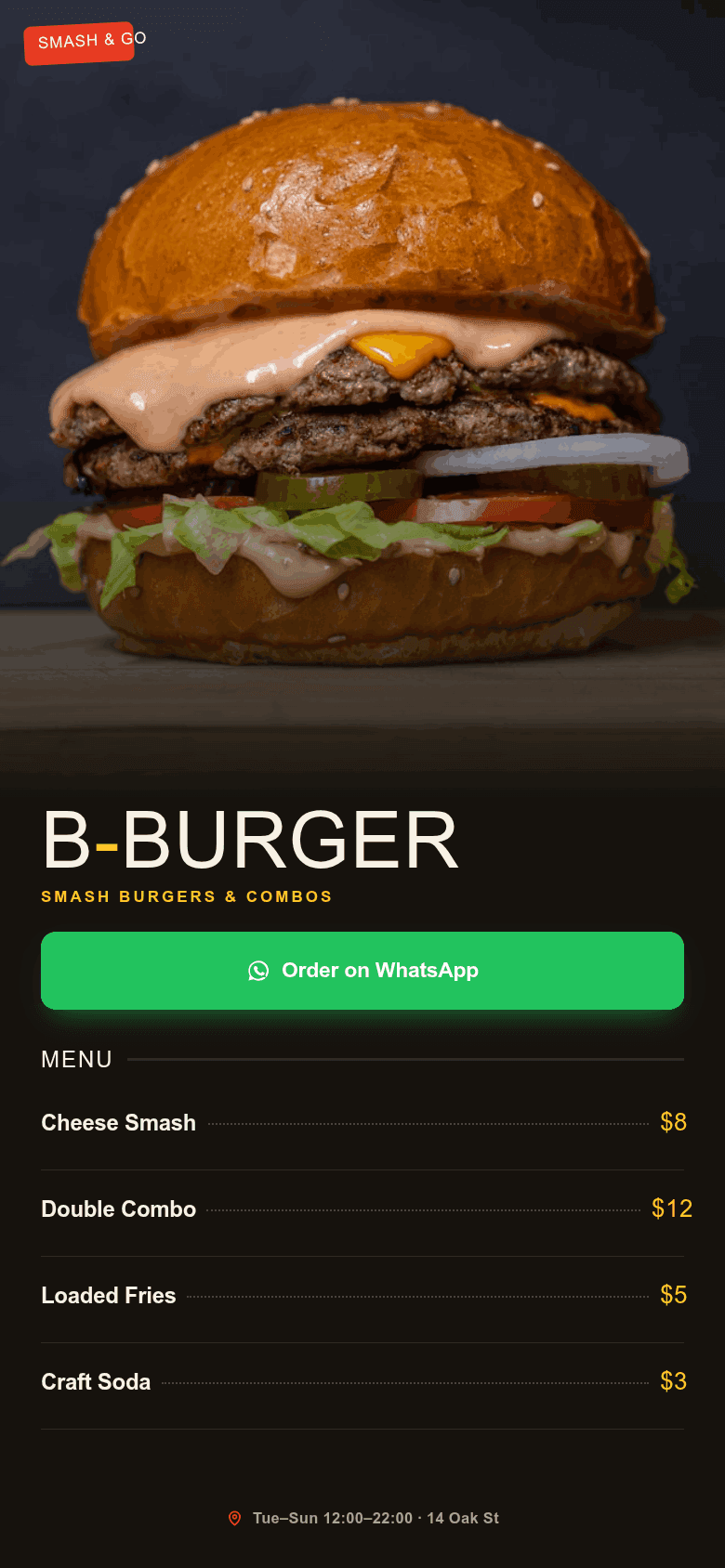
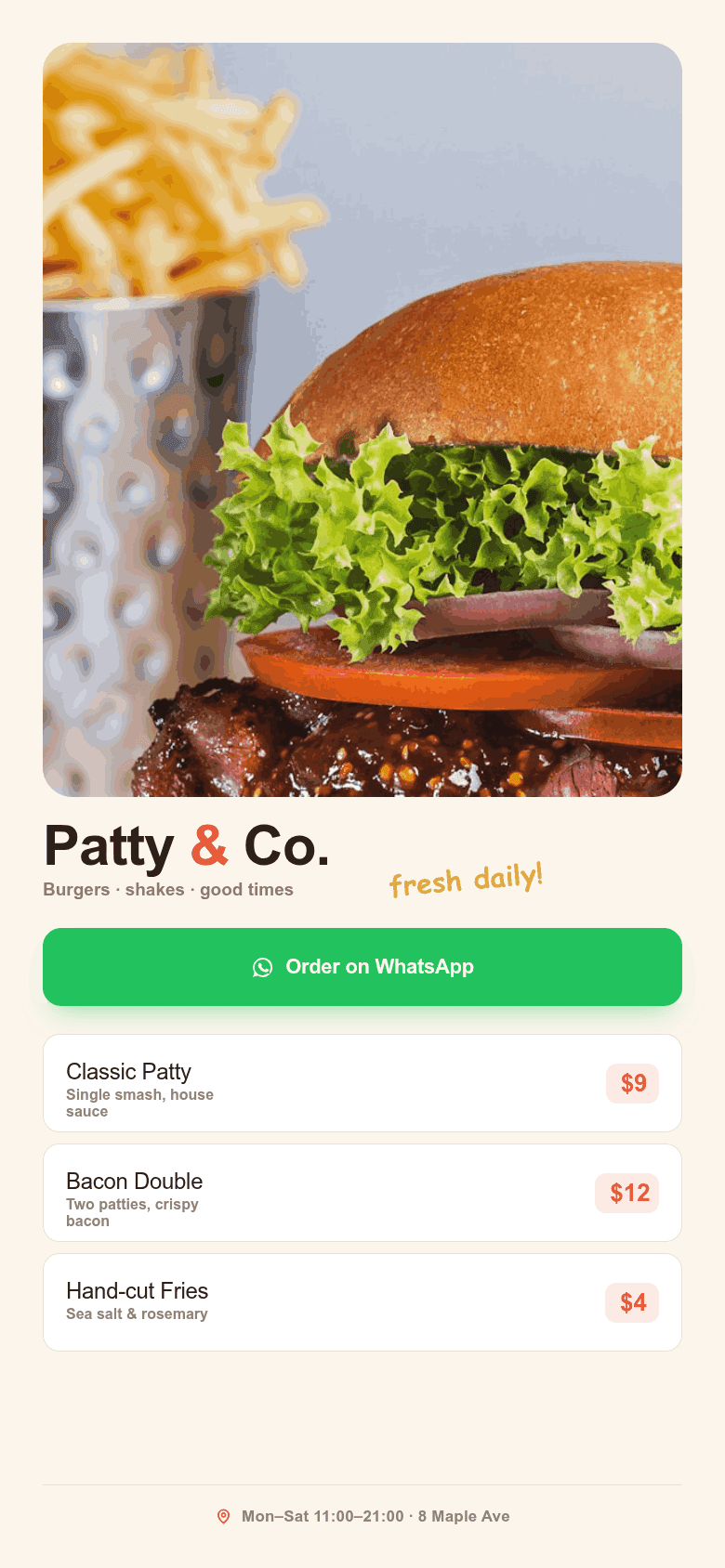
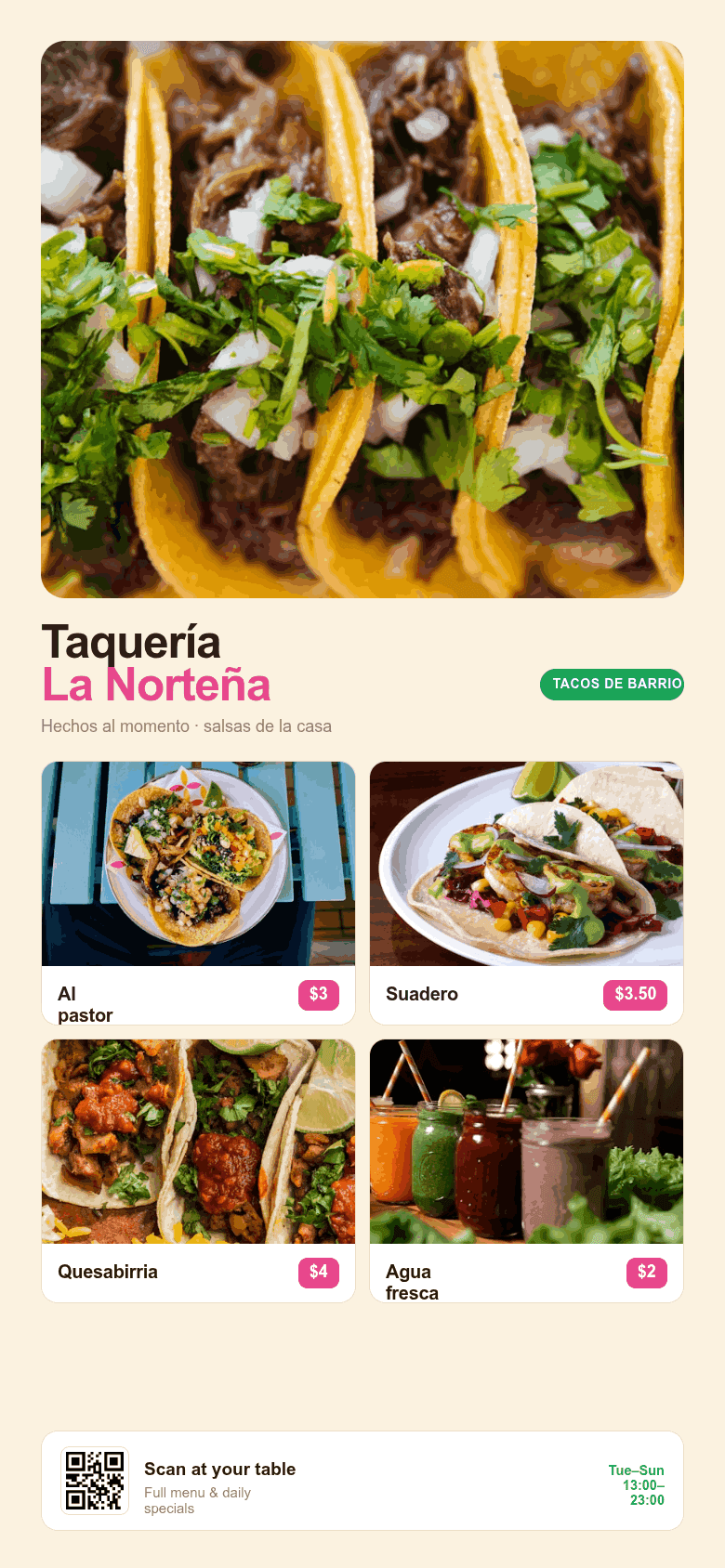
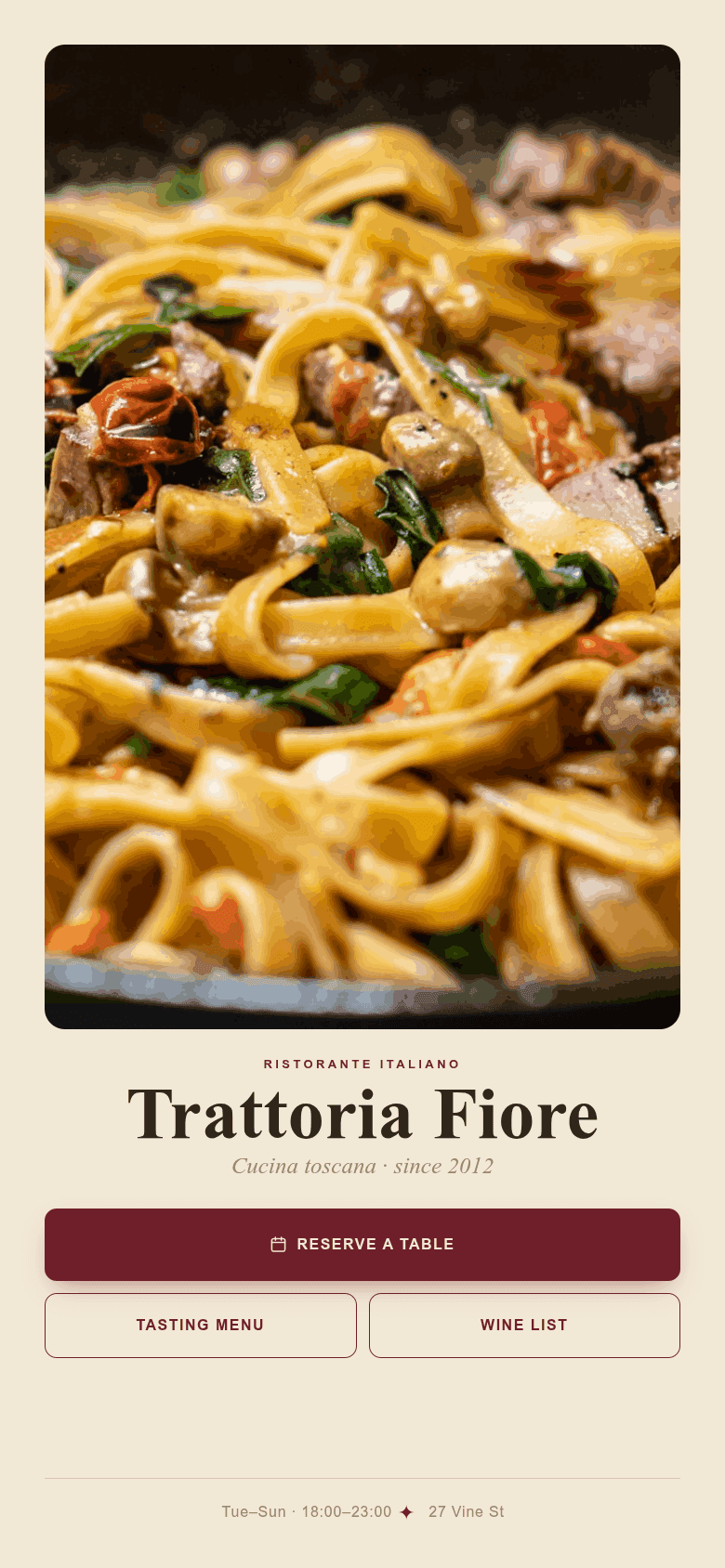
Show diners your menu, hours, address, photos, and how to book or order. Create a focused public page without waiting on a designer or learning a site builder.

No account is needed to create a first demo page. Claim and management flows use OAuth when you want the page to persist.

Create a restaurant page for Casa Nube, a small Colombian lunch spot. Include menu highlights, hours, address, WhatsApp reservations, delivery link, photos, and a warm neighborhood tone.
Draft created. Preview is ready. Publish only after the user confirms.

A restaurant web page made from a short chat

Show diners your menu, hours, address, photos, and how to book or order. Create a focused public page without waiting on a designer or learning a site builder.

See how to start

Focused on what diners need first

A restaurant page does not need a full CMS to be useful. The first version should answer: what is served, where it is, when it is open, and how to reserve or order.

Restaurant creation flow

  1. Provide restaurant name, cuisine, location, and top dishes.
  2. Add hours, contact method, reservation or delivery links, and photos.
  3. Preview the generated page and ask for edits.
  4. Publish when the public details are accurate.
Prompt example

Create a restaurant page for Casa Nube, a small Colombian lunch spot. Include menu highlights, hours, address, WhatsApp reservations, delivery link, photos, and a warm neighborhood tone.

Restaurant page ingredients

Menu highlights and featured dishes.

Hours, address, map, phone, WhatsApp, booking, or delivery links.

Photos, reviews, and a clear publish flow.

Where this fits

How to start now

  1. Open an AI chat you already use

    Claude.ai with a custom connector, Claude Code, Codex CLI, Cursor, or Cline. No marketplace approval needed today.

  2. Describe your restaurant

    Name, cuisine, location, hours, top dishes, and how customers should reserve or order.

  3. Review and publish

    Look at the preview, ask for changes in plain language, and publish when the public details are right.

Public-source boundary

Create Web Page can import normal public HTTP pages as explicit source material. It does not bypass protected platforms such as Instagram, TikTok, Facebook, or Google Maps. For those sources, use your AI client's browsing, official connectors, pasted text, or screenshots.

FAQ

Can this replace a full restaurant website?

It can cover the first public page: menu highlights, hours, location, photos, and contact actions. Multi-page menus and full CMS workflows are outside the current scope.

Can customers book a table from the page?

Yes, if you provide a booking URL, phone number, WhatsApp number, or fallback contact form details.

Can the AI read my menu from Instagram?

Protected platforms are not imported by Create Web Page. Use pasted menu text, screenshots handled by your AI client, official connectors, or a normal public website URL.

A restaurant web page made from a short chat

Show diners your menu, hours, address, photos, and how to book or order. Create a focused public page without waiting on a designer or learning a site builder.